Showing posts with label Tips - software. Show all posts

Xem file PSD dạng thumbnail

Trước đây mình dùng Photoshop 7.0 . Giờ nâng cấp lên Photoshop CS6, trong máy có rất nhiều file psd, và nó không hiển thị dạng thumbnail (không xem trước được).
Photoshop Online nói cho bạn 1 bí mật nhé.
- Đầu tiên chúng ta tải file Xem file PSD Thumbnail
http://www.mediafire.com/?kq8qo5n843scqd6
- Vào đường dẫn C:\Program Files\Adobe
và tạo thêm thư mục mới có tên là Shell
Chúng ta sẽ được đường dẫn như sau: C:\Program Files\Adobe\Shell
- Giải nén và coppy 2 file psicon.dllpsicon.inf vào đường dẫn C:\Program Files\Adobe\Shell
Nhấn chuột phải vào file psicon.inf sau đó chọn Install


Đảm bảo 100% thành công nhé.
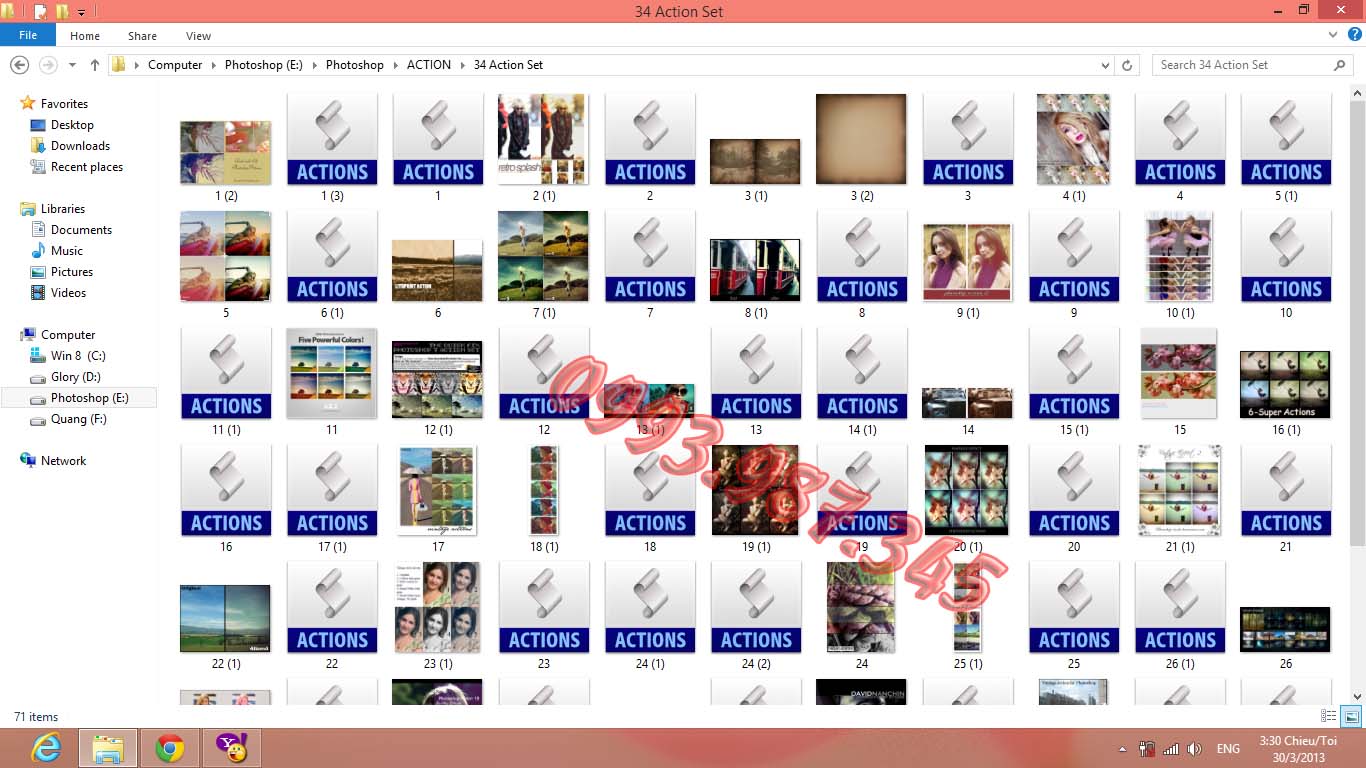

142 action dùng trong photoshop


Cùng chat với con gà điên SIMSIMI nào @@


Cách vào facebook cập nhật trưa 26/03/2013

Sáng nay ngủ dậy không vào được facebook chứ, mình thì đang dùng mạng VNPT, sau đây mình hướng dẫn các bạn vào facebook mới nhất nha.

Đầu tiên vào ổ C, nhấn Ctr F để tìm Notepad nhé. Sau đó chuột phải vào Notepad nhé chọn Run as administrator, Vào Notepad chọn open nó ra đường dẫn của file host nhé.
C:\Windows\System32\drivers\etc


Download Nero 7 Full Crack mediafire


Code xem bói nè

Share Index New Year 2013


Demo online: http://photoshop24h.000a.biz/

PASS: photoshop24h.com


In the latest blogspot to own domain name (update 01/14/2013)

Code happy bird couple


<div dir="ltr" style="text-align: left;" trbidi="on">

<br />

<div class="separator" style="clear: both; text-align: center;">

<a href="http://dl4.glitter-graphics.net/pub/496/496664ouexmamape.gif" imageanchor="1" style="margin-left: 1em; margin-right: 1em;"><img border="0" height="320" src="http://dl4.glitter-graphics.net/pub/496/496664ouexmamape.gif" width="238" /></a></div>

<br />

<div style="text-align: center;">

<span style="color: white;"></span></div>

</div>


Photoshop 7 software


Antivirus software copyright okay.Copyright 2014


Smooth skin software "Neat Image"

Serial:
Name: Valeri Gorbounov
Organization: RadioSK
Number of copies: 1
Registration code: PRBDCGBHMALLFN
Installed on C: \ Program files \ Adobe \ Photoshop 7.0 \ Plug-ins in Photoshop clicking the link above. I used photoshop 7.0


Hair separated software Corel KnockOut 2.0

Link down: http://www.mediafire.com/?tz34zyjtdzc
Installed on C: \ Program files \ Adobe \ Photoshop 7.0 \ Plug-ins in Photoshop clicking the link above. I used photoshop 7.0


Put the words "Subscribe to: Post Comments (Atom)" (Blogger)


If you see the link "Subscribe to: Post Comments (Atom)" (English: Subscribe to: Posts (Atom)) in Blogger unnecessary and aesthetic loss, you can skip this line in 2 ways. Please choose the appropriate way to perform.


Instructions:
- You Design, Edit HTML, check Expand widget templates box.
- Next, you only need to do one of two ways below:
Method 1:
Press Ctrl + F to find the code:


]]></b:skin>
You insert this code below before ]]></b:skin>:

.feed-links{display:none !important;}


Method 2:
Press Ctrl + F to find and delete this code below:

<b:include data='feedLinks' name='feedLinksBody'/> 
- Save the form to complete.
-Wish you success dentist!

Proshow Gold + Proshow Producer 5.0 full

Everyone wants to make their first video to give people love, friends, family? I introduce to you two video software makes it very popular then, that ProsowGold and ProShow Producer 5.0.3222


Link down: http://www.mediafire.com/?7bsq67hxg777zze. Pass: quang

Add like button to your blog


First you log in to blogger.com blog and choose to edit!

Next is on the form. As usual before the edit operation, we perform error-free back-up Miss also what restore: D

Next we press the button to edit HTML (remember Expand widget templates box)

Then look beautiful beautiful pieces that you like the best to insert the Like button.

Typically under this article or under article content.

You click the Find button to find the code:


<data:post.body/>

Want to show the Like button above or below the article content, insert the following code at the top or bottom section <data:post.body/>

In lịch Tết 2014 cho bé